
Introduction
So, you’re a senior golfer looking to take your swing to the next level without blowing your retirement budget on gear? Good news: launch monitors aren’t just for tour pros anymore. With the explosion of affordable options, budget launch monitors can now help senior golfers fine-tune their game, track progress, and even avoid injuries—all from their backyard or favorite range.
Let’s dive into the top picks and what makes these tools such a smart investment for golfers in their golden years.
What Is a Launch Monitor and How Does It Work?
A launch monitor is basically your personal golf analytics lab. It captures vital data points like:
- Ball speed
- Clubhead speed
- Launch angle
- Spin rate
- Carry and total distance
Premium models can cost thousands, but budget versions now offer surprisingly accurate readings for a fraction of the price.
Core Functions: Speed, Spin, Carry Distance
Most budget monitors focus on core stats—especially ball speed and carry distance. That’s more than enough to dial in your driver or understand which iron flies the right yardage.
Key Differences Between Professional and Budget Models
Premium models offer 3D swing modeling, impact location, and real-time simulation. Budget devices give you the basics—fast, easy, and often through a mobile app.
How Launch Monitors Help Senior Golfers Improve
Swing Analysis Without a Coach
Not everyone has a teaching pro on speed dial. Launch monitors give immediate feedback after each shot—perfect for self-guided improvement.
Tracking Progress Over Time
Seeing your average carry increase by 10 yards over a month? That’s satisfying. Many monitors store data so you can measure growth session by session.
Adjusting Equipment for Aging Needs
If you’ve recently lost a bit of club speed or switched shafts, a launch monitor shows whether your new setup is helping—or holding you back.
Must-Have Features in Budget Launch Monitors for Seniors
Easy-to-Read Displays or App Sync
Large, clear text is a must. If you’re using an app, make sure it has adjustable font sizes and a clean layout.
Voice Feedback or Audio Cues
Some monitors (like Voice Caddie) announce yardages aloud—no squinting required.
Lightweight and Portable Design
If you don’t want to carry heavy gear, choose models under 1 lb. Most fit in your golf bag or cart basket.
Rechargeable or Long Battery Life
A launch monitor that dies mid-session is the worst. Look for 8+ hours per charge or replaceable batteries that last a full day.
Realistic Expectations from Budget Launch Monitors
Accuracy Ranges Compared to Premium Devices
Most budget monitors are within 5–10% of TrackMan-level accuracy for speed and distance. For most seniors? That’s plenty good.
Features You Can Live Without
Ball flight curves, 3D modeling, and smash factor might sound cool—but if you just want to know how far you hit it, you’re golden without them.
Where Budget Models Excel
Portability, ease of use, and affordability. They’re perfect for recreational golfers who value feedback over flashy extras.
Top 7 Budget Launch Monitors for Senior Golfers
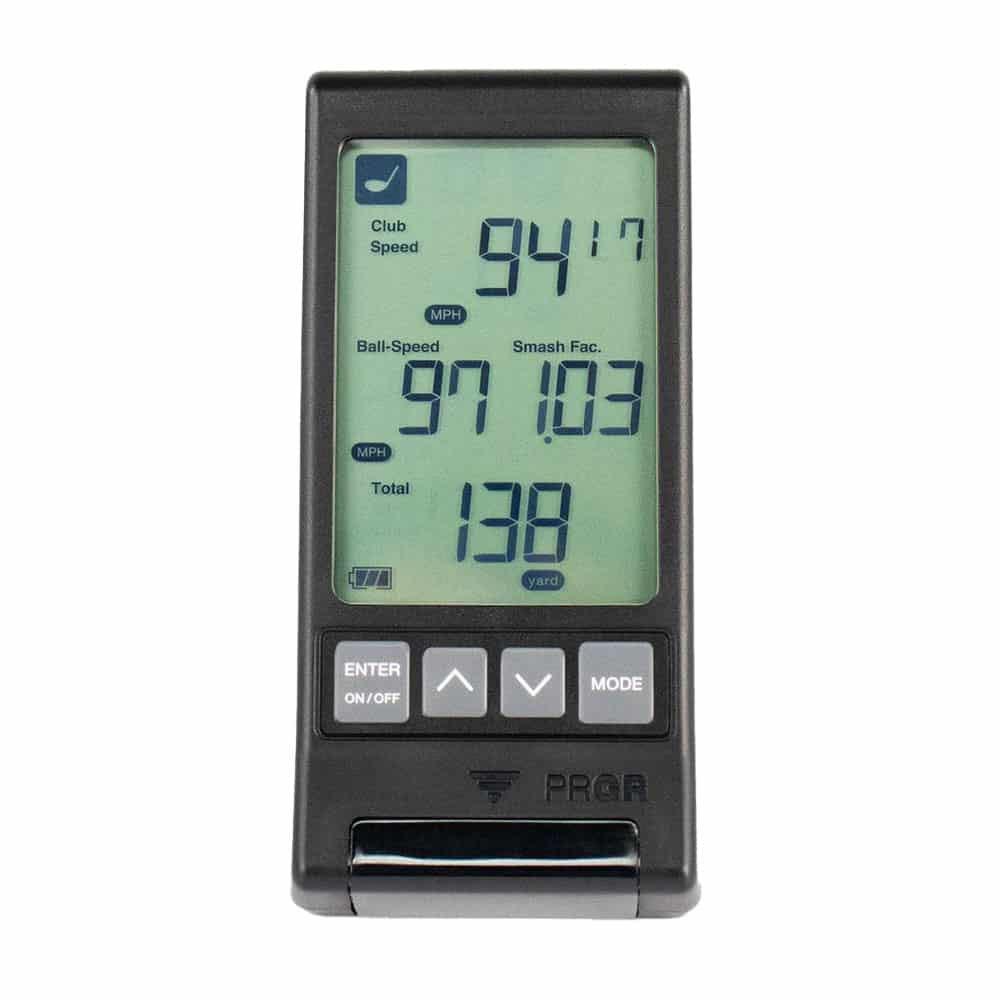
1. PRGR Portable Launch Monitor
Key Specs
- Ball speed, club speed, carry, total distance
- Works without an app
- Simple LCD screen
Why It’s Ideal for Seniors
No phone, no problem. It’s like a pocket calculator for your golf swing.
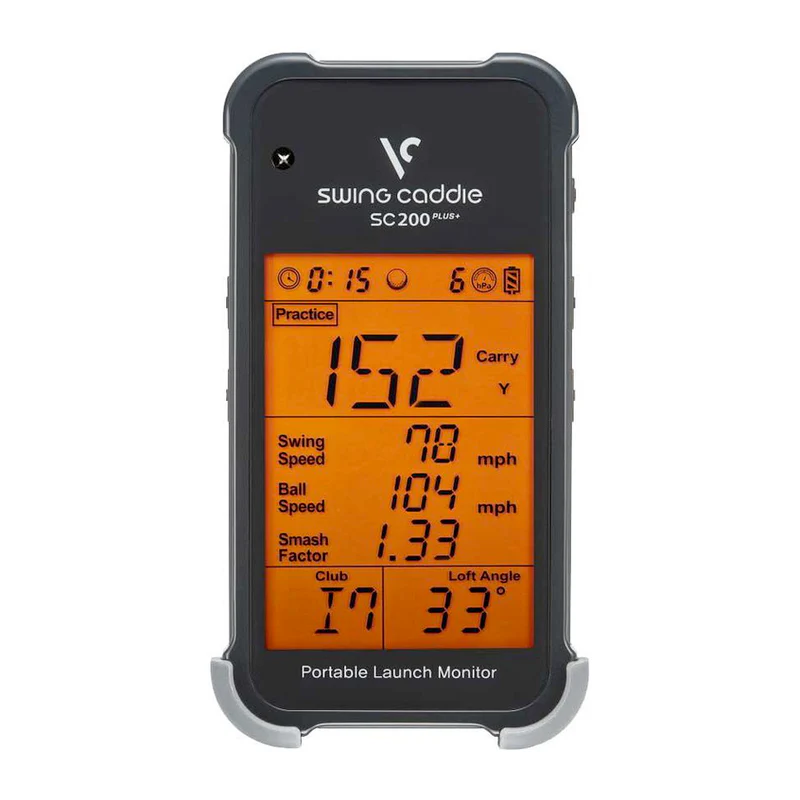
2. Swing Caddie SC200 Plus
Key Specs
- Voice output
- Practice mode + stats tracking
- Remote control included
Best for Ease of Use
This one actually speaks your distance aloud—how cool is that?
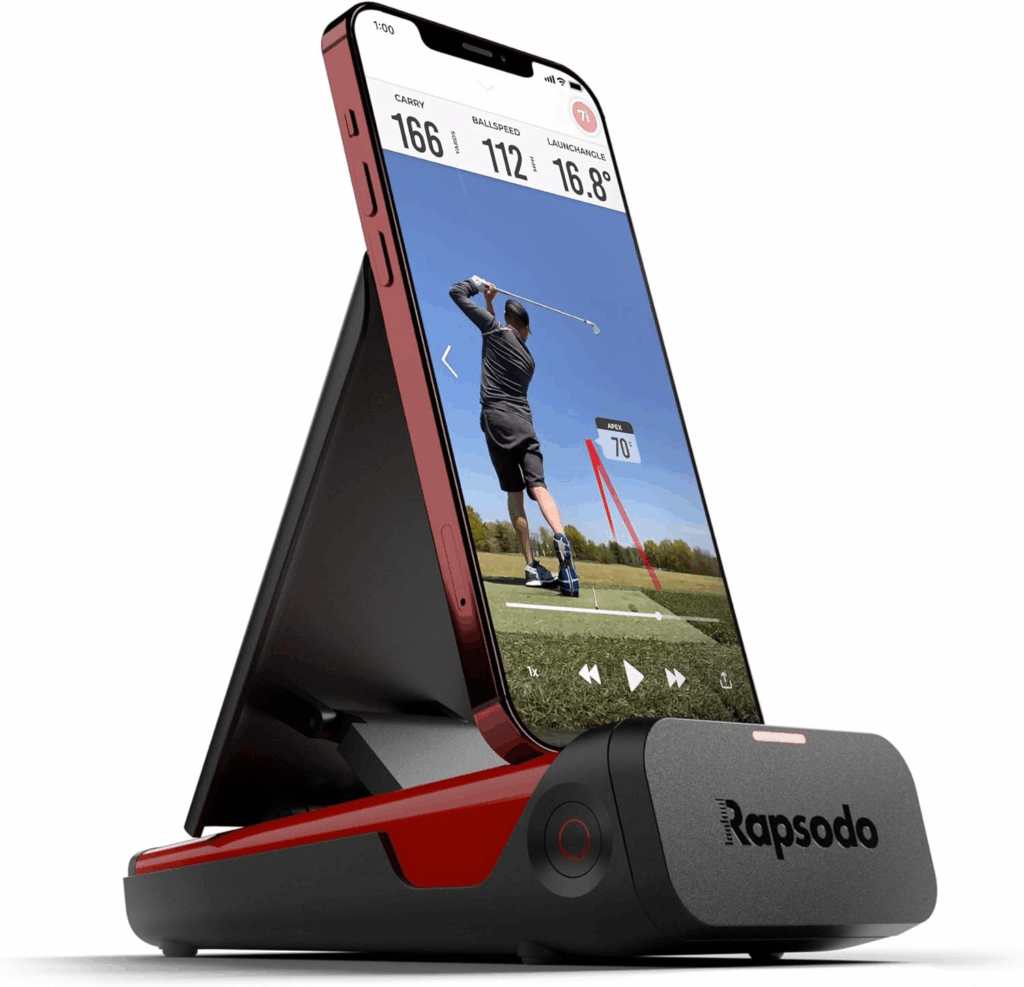
3. Rapsodo Mobile Launch Monitor (MLM)
Key Specs
- Video playback with shot tracer
- Cloud storage and data tracking
- GPS-based stats
Great for Tech-Savvy Seniors
If you enjoy using your phone or tablet, this one turns your range session into a full-on tech experience.
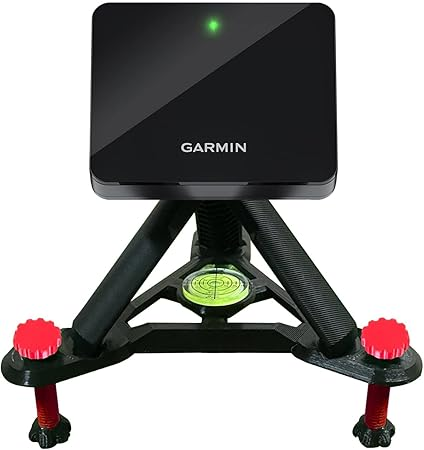
4. Garmin Approach R10
Key Specs
- 42 metrics tracked
- Simulation and virtual rounds
- iOS/Android compatible
Best Simulator on a Budget
Yes, it’s a little more than “budget” priced, but the value you get is insane. Perfect for home setups.
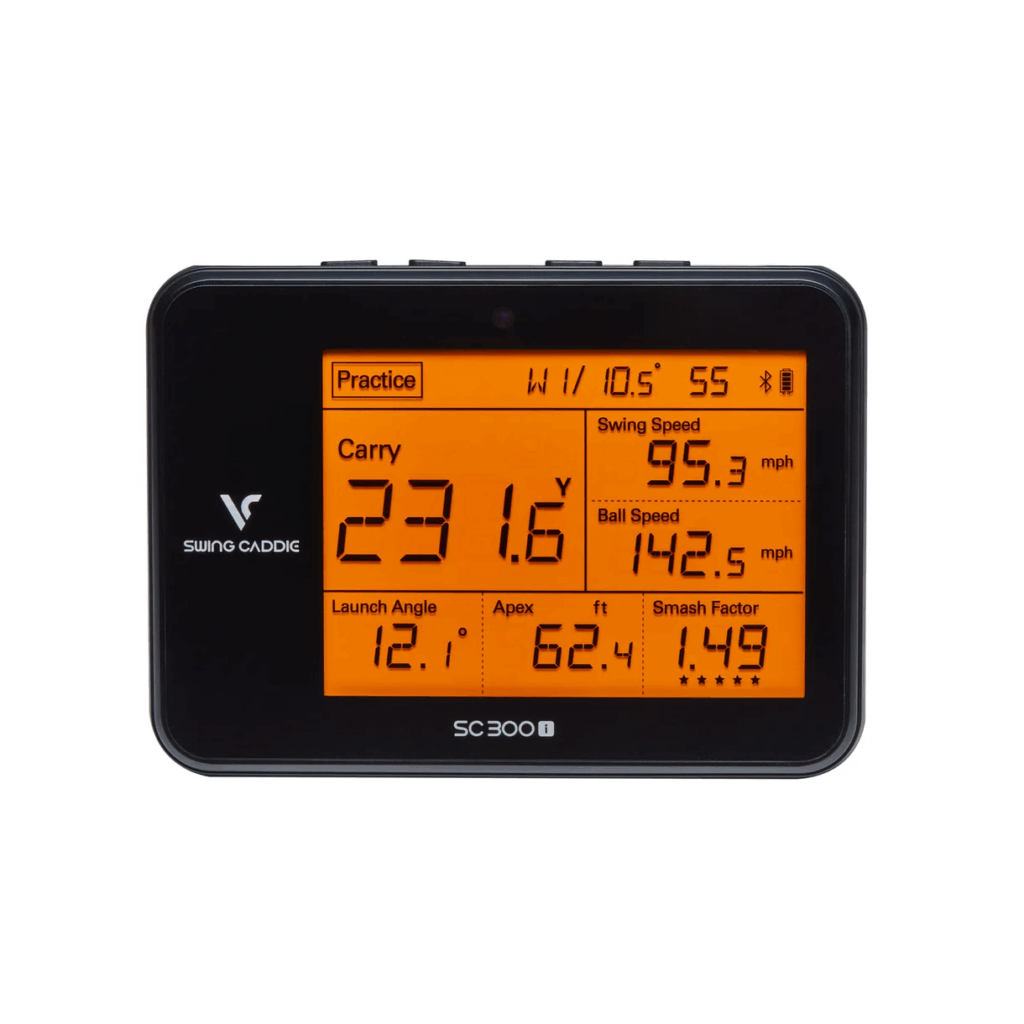
5. Voice Caddie SC300i
Key Specs
- Voice distance feedback
- App support with advanced stats
- Launch angle and apex height
Advanced Tracking at a Mid-Range Price
Solid features with senior-friendly voice readouts.
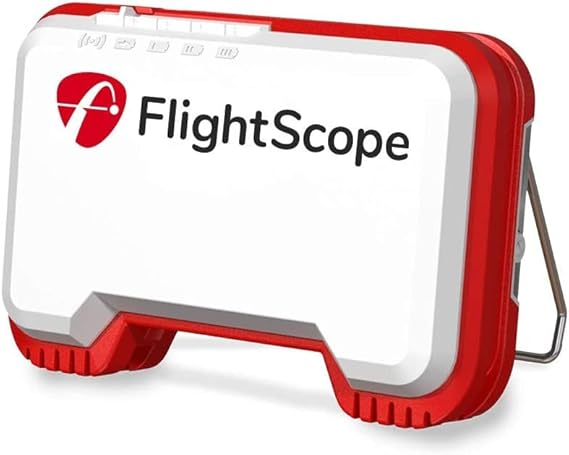
6. FlightScope Mevo
Key Specs
- 8 performance data metrics
- Video syncing with swing capture
- Portable and sleek
Compact and Powerful
Small but mighty. Excellent for on-the-go feedback during range sessions.
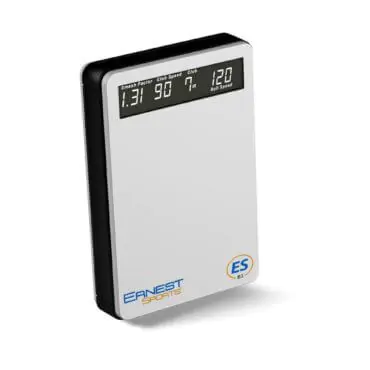
7. Ernest Sports ESB1
Key Specs
- Bluetooth enabled
- Swing tempo analysis
- Compatible with iOS
Easy Bluetooth Sync and Swing Metrics
Ideal if you want more data without being overwhelmed. Simple yet detailed.
Tips for Seniors Using Launch Monitors
Simple Drills to Maximize Feedback
- Swing with one club and test distances
- Practice half-swings for control
- Try tempo drills and compare speeds
How Often to Use for Noticeable Gains
Two 20-minute sessions per week can create measurable improvements in 30 days.
App Compatibility and User Interface
Which Monitors Work with iOS/Android?
All mentioned options work with both. Garmin and Rapsodo have standout apps in terms of features.
App Design and Senior Accessibility
Look for high-contrast themes and touch-friendly buttons.
Indoor vs Outdoor Use
Which Models Work Best in Both Settings
FlightScope Mevo, Garmin R10, and Rapsodo MLM handle indoor use very well—especially with net setups.
Space Requirements and Setup Simplicity
You’ll need about 6–8 feet of space behind and in front of the ball indoors.
Durability and Warranty Considerations
Build Quality in Budget Devices
Plastic casings are common but surprisingly durable. Just avoid hard drops!
What to Look For in a Warranty
At least 12 months. Check for customer support and app update policies.
Conclusion
Whether you’re a tech-savvy senior or just want to know how far you hit your 7-iron, budget launch monitors offer an easy, affordable way to bring a bit of science to your swing. They’re portable, surprisingly accurate, and a ton of fun to use. So if you’re serious about improving your game—or just love seeing your numbers—one of these picks will serve you well without draining your wallet.
FAQs
1. Do I need internet to use a launch monitor?
Not always. Some like PRGR and Swing Caddie work offline. Others need Wi-Fi or Bluetooth for app syncing.
2. Can I use a budget monitor indoors?
Yes—many models like Mevo and Rapsodo are perfect for indoor nets or garages.
3. Will launch monitors help my swing speed?
Indirectly, yes. By seeing real-time results, you can adjust mechanics and improve faster.
4. Which launch monitor is easiest for seniors to read?
The PRGR and Swing Caddie SC200 Plus have large, clear screens. SC200 also speaks distances aloud.
5. Are there monitors that speak feedback aloud?
Yes! Swing Caddie SC200 and SC300 models give audible distance readouts.